Earn locally
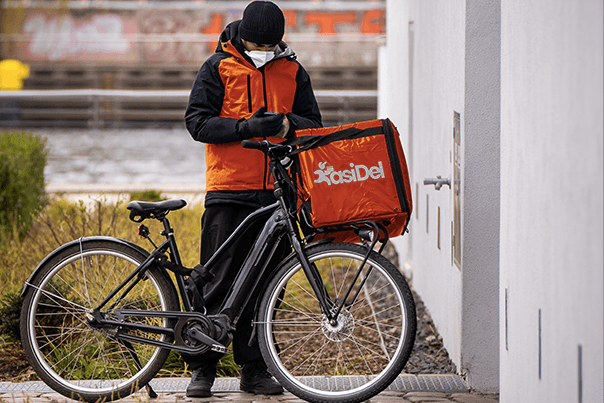
Accept orders in your assigned dispatch zone and track earnings from the driver app.

To sign up as a driver on KasiDel, follow these steps:


Pending, approved, or declined states are shown in the app.
Accept orders in your assigned dispatch zone and track earnings from the driver app.
Drivers are matched to nearby store and parcel requests for faster collections.
Deliver store orders and parcel requests from one driver account.
Create or sign in to your KasiDel account.
Submit vehicle details, documents, and your dispatch zone.
Wait for approval, then go online and start accepting jobs.